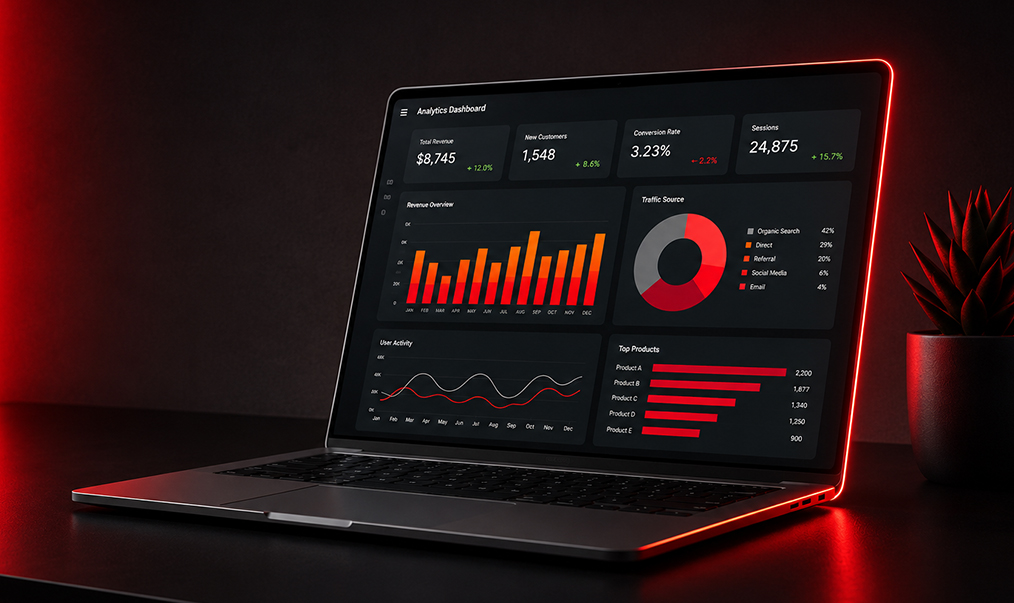
Turn Data Into Insights & Better Decisions
Duration: 4 Weeks | 30 Hours
Level: Beginner
Format: Live Classes • Practical Labs • Projects
Certificate: Certificate in Data Analytics
Programme Overview
This beginner-friendly programme teaches participants how to collect, clean, analyze and visualize data using Excel, SQL and Power BI.
No previous data analytics or programming experience is required.
DATA → CLEAN → ANALYZE → VISUALIZE → DECIDE
Who Can Attend?
- Students & Recent Graduates
- Business Professionals
- Entrepreneurs & Business Owners
- Administrative Professionals
- Marketing & Sales Professionals
- Finance & HR Professionals
- Researchers
- Anyone interested in Data Analytics
Program Module
Module 1: Introduction to Data Analytics
- What is Data Analytics?
- Types of data
- Understanding datasets
- Data analysis process
- Asking the right questions
Module 2: Excel for Data Analytics
- Excel fundamentals
- Data cleaning
- Formulas & functions
- Sorting & filtering
- Pivot Tables
- Charts & dashboards
- Practical: Analyze a real dataset
Module 3: SQL Fundamentals
- What is SQL?
- Databases & tables
- SELECT, WHERE & ORDER BY
- Filtering data
- GROUP BY & aggregation
- JOINs
- Practical: Query a business database
Module 4: Power BI Fundamentals
- Introduction to Power BI
- Importing data
- Data cleaning
- Data relationships
- Basic DAX
- Creating visualizations
- Practical: Build your first dashboard
Module 5: Data Visualization & Reporting
- Choosing the right charts
- Building interactive dashboards
- Finding trends and patterns
- Presenting insights
- Data storytelling
- Practical: Build an executive dashboard
Module 6: Final Data Analytics Project
Participants work with a real-world dataset to:
- Clean the data in Excel
- Analyze data using Excel & SQL
- Build a Power BI dashboard
- Identify key insights
- Present recommendations
Tools You'll Learn
Excel • SQL • Power BI
Key Skills
- Data Cleaning
- Data Analysis
- Excel Analytics
- SQL Queries
- Data Visualization
- Power BI Dashboards
- Data Storytelling
- Business Insights
- Data-Driven Decision-Making
What You'll Leave With
A practical Data Analytics Portfolio containing:
- Excel Analysis
- SQL Queries
- Power BI Dashboard
- Final Data Analytics Project
Programme Promise
No coding background. No advanced mathematics. Just practical skills to turn data into useful business insights.
Related courses
 Beginner
 FREE ONLINE WORKSHOP FOR ASPIRING MARKETING PROFESSIONALS
This practical session will give you the roadmap, tools, and confidence to start building...
View Course Beginner
 CANVA DESIGN MASTERCLASS
Canva Design MasterclassCreate Professional Designs Without Being a Graphic DesignerLearn...
View Course Beginner
 TIKTOK ADS MASTERCLASS
Learn. Launch. Optimize. Grow.Duration: 1 Day | 6 HoursLevel: BeginnerFormat: Live Trainin...
View Course